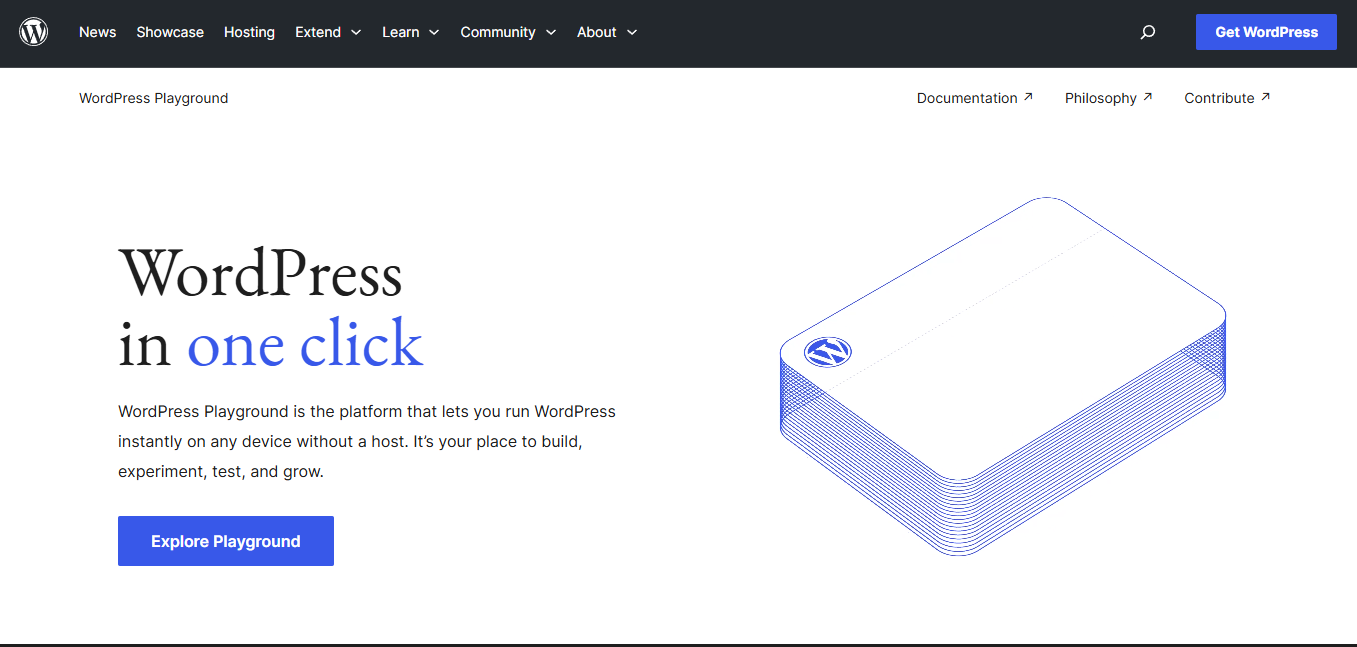
The WordPress Playground is one of those things that I knew existed, but it’s potential as a useful tool in my day-to-day workflow was something that took a while to discover. Once I had that understanding, the Playground became a way to speed up or even completely eliminate rabbit holes, clarify conversations, and solidify project estimates. If you’re a developer, designer, or content manager, here is how you can use the WordPress Playground to your advantage to save time and make collaboration smoother.
(Also using the playground is free. No need to create an account or give anyone credit card details. Just dive on in.)
Cross discipline collaboration
The playground is a great place for designers, developers, content managers, and even QA peeps to demo, troubleshoot, and exchange ideas. It provides a great baseline for what WordPress offers out of the box and what requires customization. Understanding that baseline is key for deeper conversations about project estimates, content reviews and approvals, what anyone can tackle from the editor versus something that needs a developer’s involvement, and more.
Ruling out things early while debugging
I can’t tell you how many times I’ve debugged something and remembered too late that the playground existed. Now I use the Playground as my first stop before I get too lost in block-related rabbit holes. Here is what we can confirm via the Playground:
- How a block behaves by default. This can draw the line between, “Oh, this isn’t a bug, it’s just how WordPress behaves,” versus, “There is something our custom code is breaking.”
- The Playground can act as a blank slate for core blocks. Customizations and plugins often blur the line between core WordPress and external changes. Using that “clean” environment as a visual and functional reference can be super useful. It can also help narrow down whether a bug is from a third-party, like a plugin. If it is, you can more easily decide whether your team can fix it in-house or needs third-party support.
- Testing your WordPress theme or plugin using the Playground is a great way to confirm that everything works and looks as expected. Regardless of purpose, you should be able to activate themes and plugins on any site without complex setup or fatal errors. Using an environment without existing content or database data helps eliminate red herrings. It can also rule out server issues and PHP/WordPress version issues.
UI Cleanup
As I mentioned in an earlier post of mine, “Approaching Gutenberg as a Classic WordPress Developer“, the block editor’s options and core block list can be overwhelming. The Playground helps you confirm what your people actually need so you can remove or customize the rest.
Training
It’s an awesome way to teach others where to find things and how to work within the block editor. It allows team members to go in and experiment, to give them permission to break stuff, without needing a local setup and without having to worry about affecting the actual project.
Preparation for the future
The WordPress Playground gives you access to new blocks and features before WordPress merges them into core. It’s a glimpse into what’s coming, and a way for developers to experience what’s on the horizon. This comes in handy for project planning, architecture, and it allow developers to hit the ground running once those things make it into core.
Further reading
- The WordPress Playground is open source! You can star or fork the repo on Github.
- Documentation for the WordPress Playground.
- How to use Blueprints to share your creations on WordPress Playground.
Have you used the WordPress Playground? Are you already implementing it into your own or your team’s workflow? Let me know in the comments.
Leave a Reply